
♥ 2.4k · ★ 3.1k





01
Set one real mission
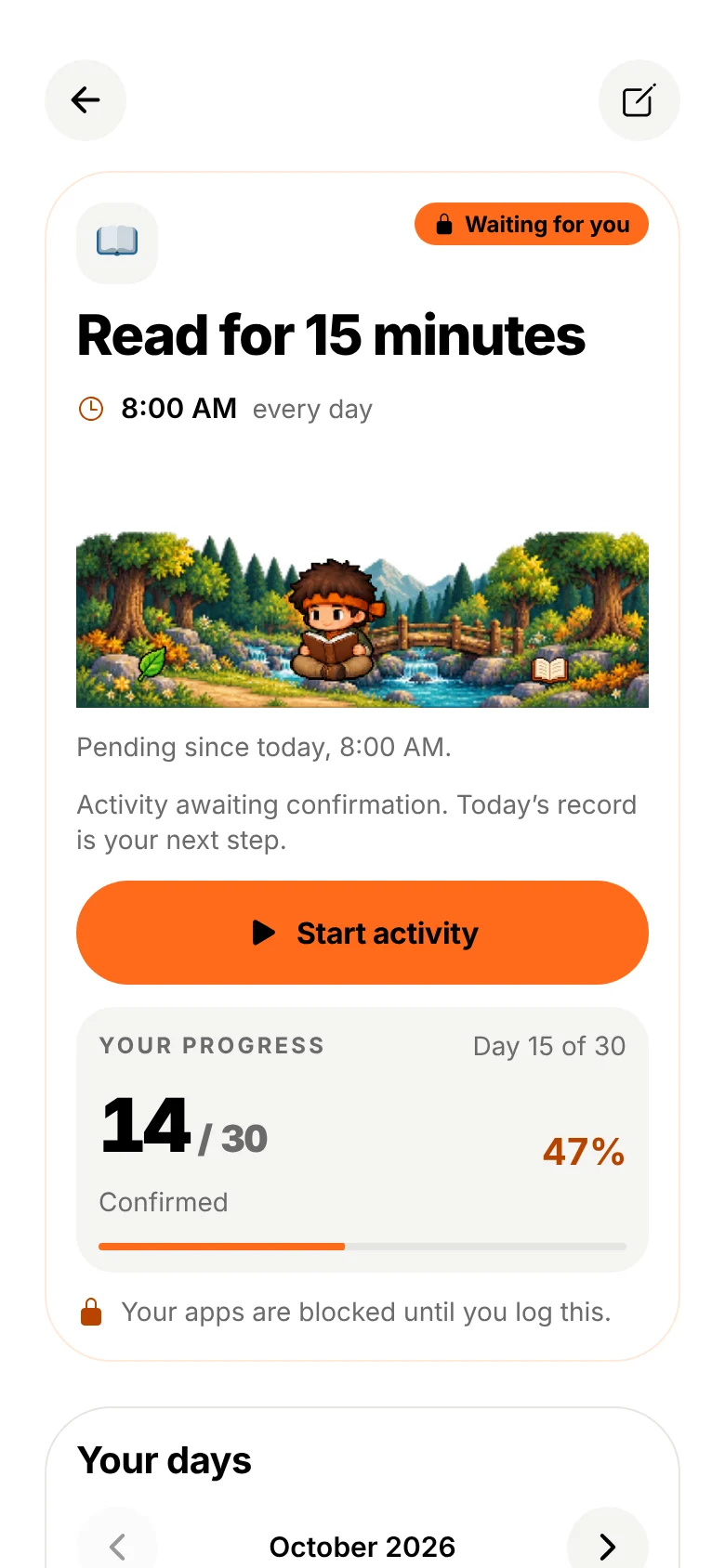
Pick an activity, a time and the days. That is your promise.
Screen Time protection for iPhone
Your goals deserve more attention than your screen. Build better habits, protect your focus, and turn everyday commitments into real progress.
What it is
This is not punishment. It’s progress.
You choose what matters and when. Do it first, and every confirmed mission turns into XP, streaks and medals for you and your companion.
How it works
Pick an activity, a time and the days. That is your promise.
At mission time, Apple Screen Time shields the apps you chose.
 A pause for what matters.
First: Read for 15 minutes Log your progress in Do It First.
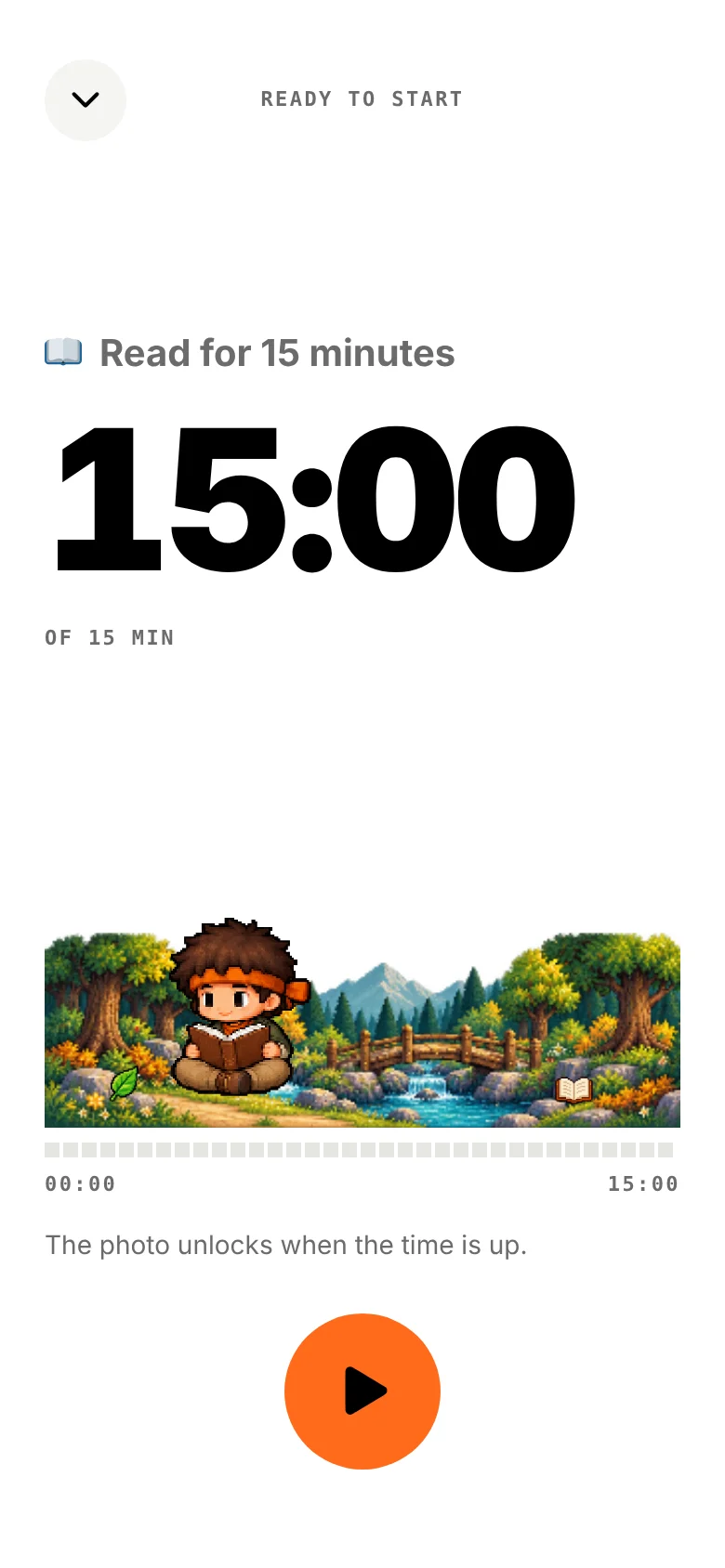
Close this appRemind me of my missionA photo confirms the mission. Your apps return, unless another mission is still waiting.
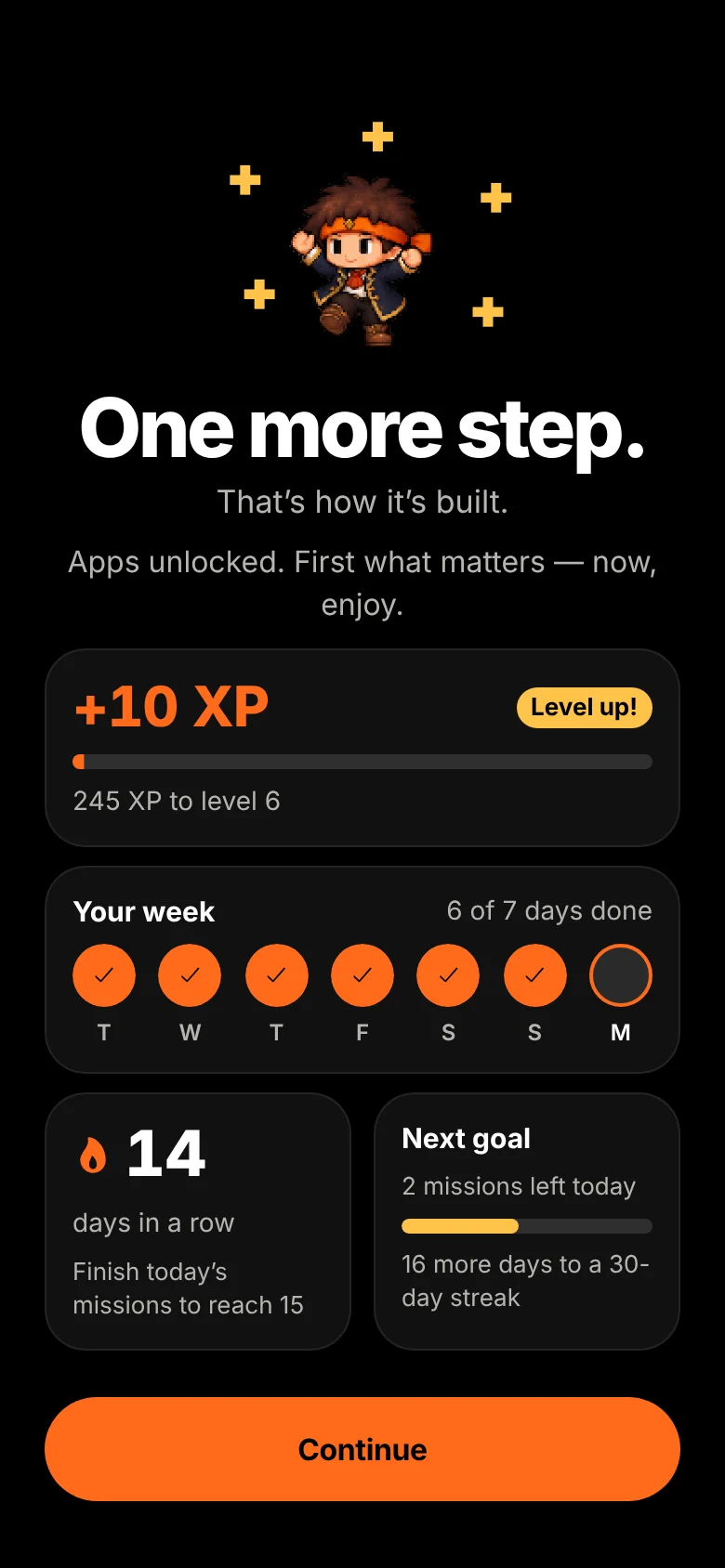
XP, streaks, medals and five worlds. Your companion evolves with every confirmed practice.
App screens rendered from the app’s own interface. Recreated from the app’s Shield configuration. On iPhone, iOS draws the real Shield.
Your first minute
Recorded from the app’s real onboarding, rendered from its own interface. On iPhone, iOS then asks for Screen Time permission.
Meet your companion
A small companion for a bigger adventure. Your companion reads, rests, evolves, and celebrates the commitments you keep.
Pick the boy or the girl. Confirmed practice evolves your companion from Rookie to Legend, with new equipment along the way.
 01Rookie
 02Explorer
 03Adventurer
 04Champion
 05Legend
A time, a real activity, and a promise to yourself.

Your chosen apps, protected with Apple Screen Time.

Build consistency from confirmed practice.
Bronze, Silver, Gold, Legendary and Mythic.

Explore as your confirmed progress unlocks the path.

A small reminder of your next real-life step.
Privacy Policy
Screen Time authorization lets you choose the apps to protect, without letting us read their private content. Mission photos and progress are stored locally by the current app. Location is optional. Purchases involve Apple and RevenueCat; hosting and subscription-event processing involve external services.
Understand your privacyPricing
For a meaningful first step.
More room for your commitments.
Monthly and annual subscriptions are offered inside the app. The applicable localized price and any eligible trial appear in the store before purchase. Existing lifetime entitlements remain supported; availability of new lifetime purchases depends on the current offering. No web checkout.
A tool for personal commitments, focus and real-life progress, with a pixel-art adventure alongside you. It is not a medical treatment, parental supervision system or security product.
With your permission, Apple FamilyControls, ManagedSettings and DeviceActivity apply shields to your selected apps. iOS controls enforcement and background execution, so timing and availability are not infallible.
Yes, using Apple’s picker. Pro supports independent selections across multiple protected missions. The app receives selection counts in its interface rather than your private app content.
A due commitment can stay pending beyond its scheduled day or duration. Completing another mission does not clear overlapping protection.
The app includes breaks and emergency recovery. Focus and Deep can require confirmation or a delay for ordinary changes. Emergency recovery does not award completion or XP.
The current app has no Do It First account. RevenueCat maintains a purchase identity for subscriptions. Use Restore Purchases with the relevant store account.
Free includes one active protected mission and the core adventure. Pro adds advanced configuration and more protected missions. Existing native limits still apply.
Up to ten protected missions, independent app selections, custom schedules, Focus and Deep, advanced insights, widget customization and supported location protections. Expiry does not delete existing commitments or progress.
Open Pro in the app, choose Restore Purchases and use the store account that made the purchase. An active do_it_first_pro entitlement is required for Pro access.
The current confirmation flow saves photos in the app’s local shared container. It does not upload proof photos to our subscription webhook. Photos are not an automatic verification of the real activity.
Local missions, progress and native protections do not depend on our website or webhook. Purchasing, restoring and refreshing store status need connectivity. RevenueCat controls cached entitlement availability and its offline limits.
The current implementation is focused on iPhone and Apple Screen Time. An Android release is not announced here.
Protection can no longer be guaranteed. Re-authorize in the app and check your settings. Revoking permission does not count as completing a mission.
Visit Support for troubleshooting and the confirmed contact details when available. No unsent form is presented as a support request.
Your companion is waiting
Less distraction. More action. A little progress, every day.
The iPhone app is preparing for launch. A real App Store link will appear here when available. No Android release is announced.